Turn your selfie into loading-screen art.
Vice Photos redraws you in thick ink and flat color, the look of a crime-game loading screen. Your face, your pose, a new backdrop, in about 15 seconds.
Download on the App Store iPhone app. Your first photo is free.
 Your photoVice Photos
Same selfie, pick the trouble.
One photo goes in. You choose where it comes out: the beach, the club, the vault or a street that is on fire.
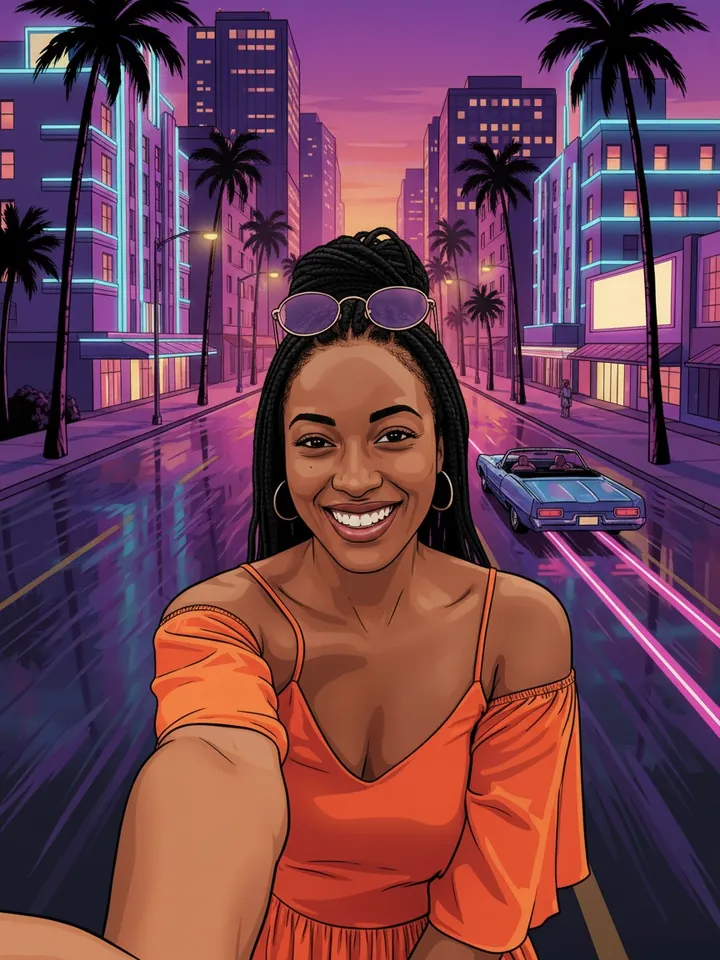
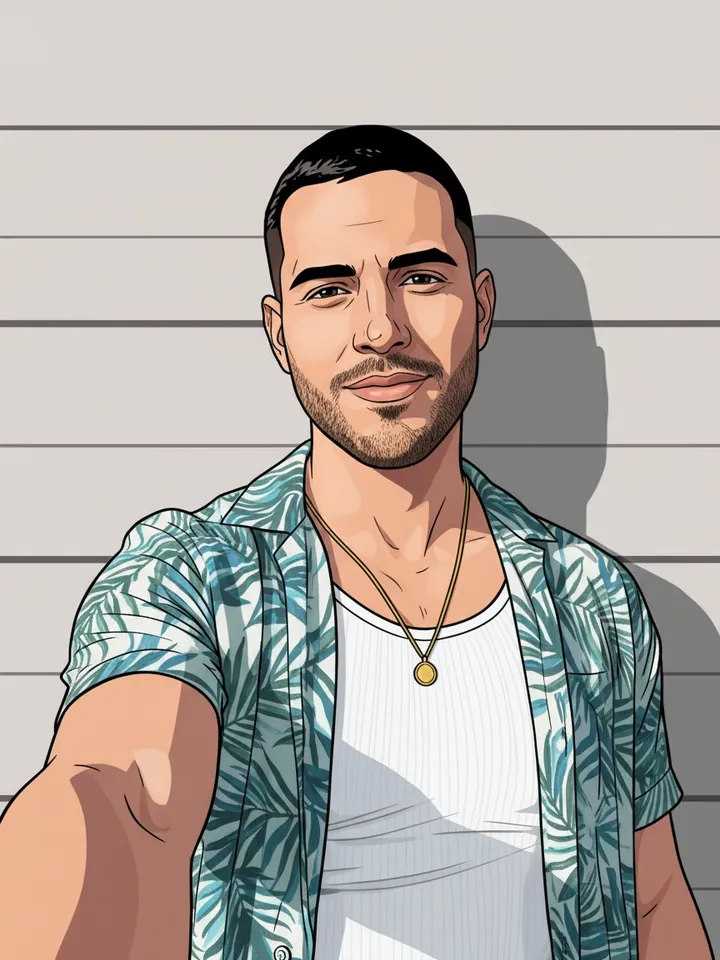
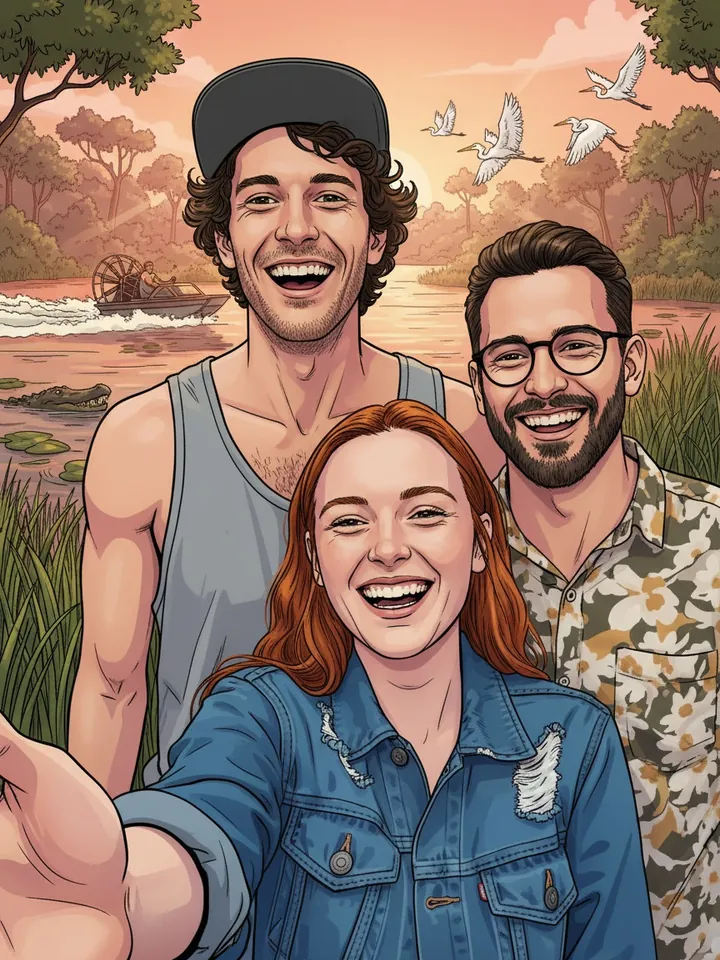
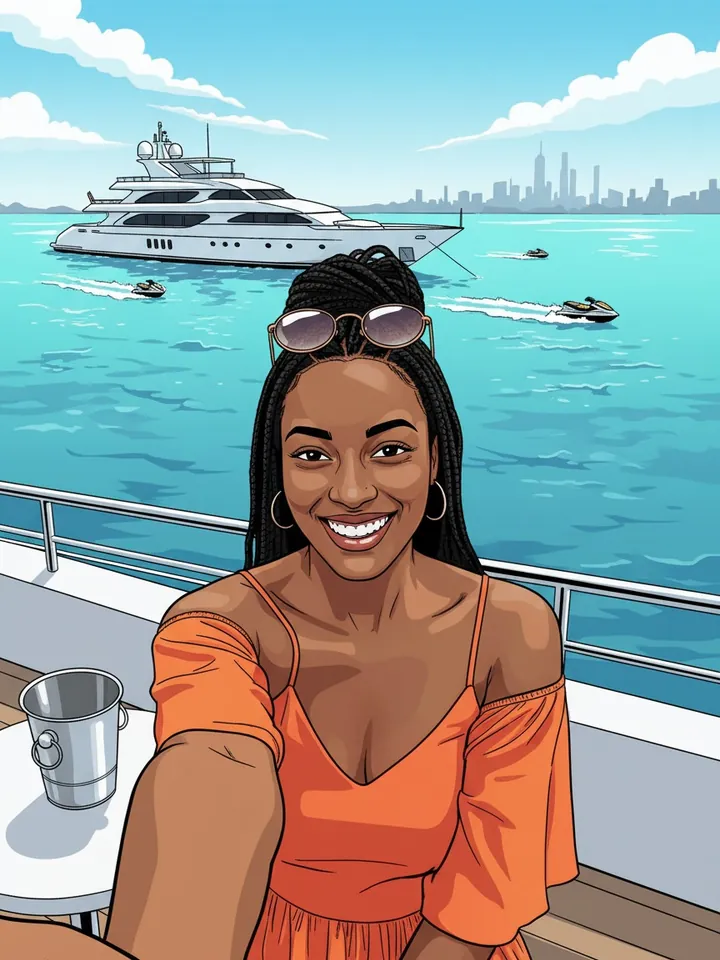
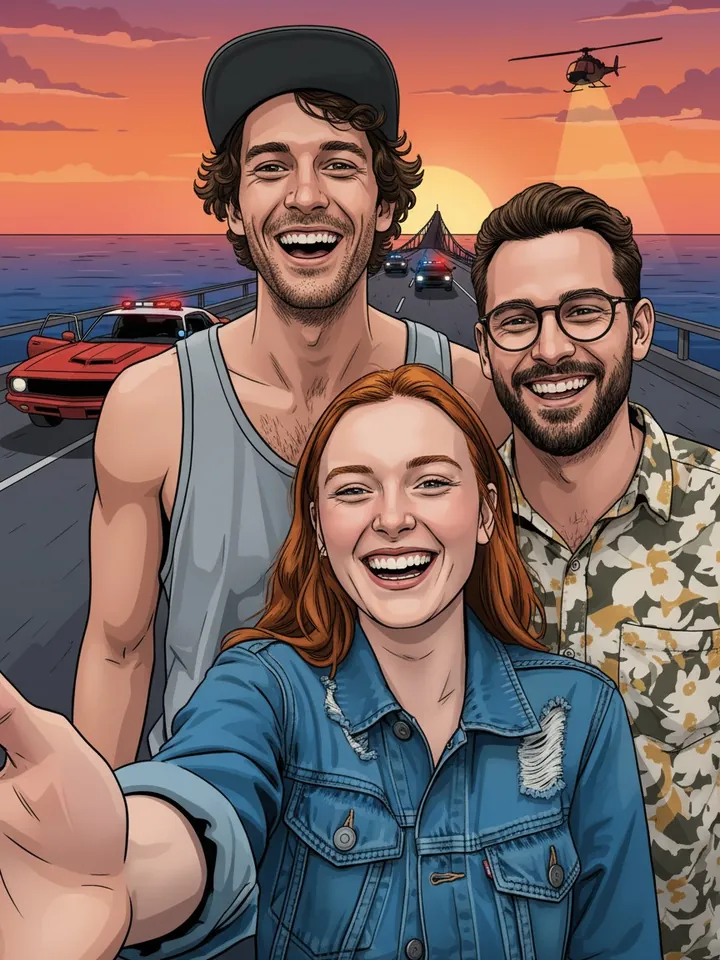
Three taps, about 15 seconds.
Pick a photo
Choose one from your library or take a selfie. A clear face in decent light is all it needs.
Pick a scene
Beach, club, vault, penthouse and more. New scenes show up without an app update.
Save it or send it
Your art lands in about 15 seconds, ready for your camera roll or the group chat.
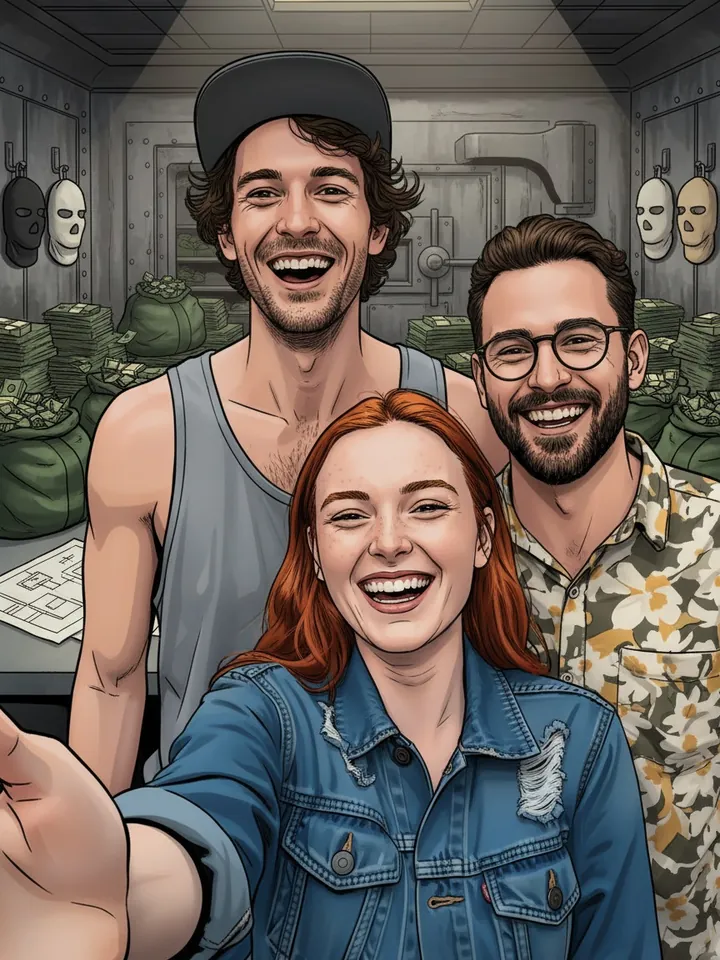
It is still you. That is the point.
- What it keeps
- Your real face, hair, expression and pose, and the way you framed the shot. It is a redraw of your photo, not a stranger in your outfit.
- What it changes
- Every edge becomes a thick ink outline, every surface a flat block of color with hard shadows, and the background becomes the scene you picked.
- What it skips
- Text, logos and watermarks inside the art. You get the picture and nothing stuck on top of it once you have a pack.
First photo is on the house.
After that, buy photos in packs. No subscription and nothing to cancel.
Download on the App Store| Your first photo | Free |
| 1 photo | $0.99 |
| 10 photos | $4.99 |
| 25 photos | $9.99 |
| 60 photos | $19.99 |
Credits never expire. The free photo carries a Vice Photos tag, and any pack removes it.
Questions people ask first.
Is Vice Photos free?
Your first photo is free and carries a Vice Photos tag. After that you buy photos in packs, from $0.99 for one to $19.99 for sixty. Any pack removes the tag, credits never expire, and there is no subscription.
Is this an official GTA 6 filter?
No. Vice Photos is an independent app. It is not made by, affiliated with or endorsed by Rockstar Games or Take-Two Interactive. It draws your photo in a bold comic style inspired by classic game loading screens.
What photos work best?
A clear, front-facing selfie in decent light. Mirror selfies, couples and small groups all work. Faces that are tiny, blurry or mostly covered come out less like you.
Does it work with more than one person?
Yes. Couples and small groups keep their own faces, hair and poses. The more faces in the shot, the closer each one should be to the camera.
What happens to my photo?
It is sent to an AI image model to make your art and is not stored permanently. The full policy is on the privacy page.
Is there an Android version?
Not yet. Vice Photos is on iPhone, iOS 15 or later.
Guides.
Straight answers to the things people search for before they find us.
- GTA 6 filterThere is no official GTA 6 filter. Here is what people mean by it and how to get the comic loading screen look on your own iPhone photos, first one free.
- GTA-style photo generatorVice Photos is a GTA-style photo generator for iPhone. It redraws your selfie as comic loading screen art, keeps your face, and the first photo is free.
- Photo to GTA styleHow to turn a photo into GTA-style art on iPhone in a few steps, which photos work best, and the usual reasons a result looks off. First photo is free.
- Loading screen makerWhat makes GTA loading screen art recognizable, and how to turn your own photo into loading screen style art for posters, group chats and party invites.
- GTA 6 pfp makerMake a GTA-style pfp from your own selfie on iPhone. How to frame your face for a round crop, which scenes read well small, and what each platform needs.
- GTA art styleThe GTA art style explained: thick ink outlines, flat color and hard shadows, who is credited with it, how AI recreates it and how to use it on a photo.
- GTA-style photo promptA GTA-style photo prompt to paste into a chatbot image tool, how to change the backdrop, tips to keep your likeness, and the honest limits of the method.